
Klenty Glossary
Here is a collection of terms frequently used in Klenty to help you get started.
Cadence - A sequence of Emails, tasks, calls as follow ups, that you create to reach out to Prospects
Prospect - contacts/leads you will be reaching out to
Standard Fields - default fields for Prospects in Klenty that you can use to personalize your emails like Name, Email, Company Name, Title, etc
Custom Fields - Prospect fields created by you for advanced personalization.
List - Prospects belong to a default list, which you can change. Prospects can only belong to one list
Tags - can be assigned to Prospects to organize and search efficiently.
Authentication
The Klenty API follows the REST paradigm and requires you to have a unique API Key.
Generating Klenty API key
To access the Klenty REST APIs, you need to authenticate your requests using the Klenty API Key.
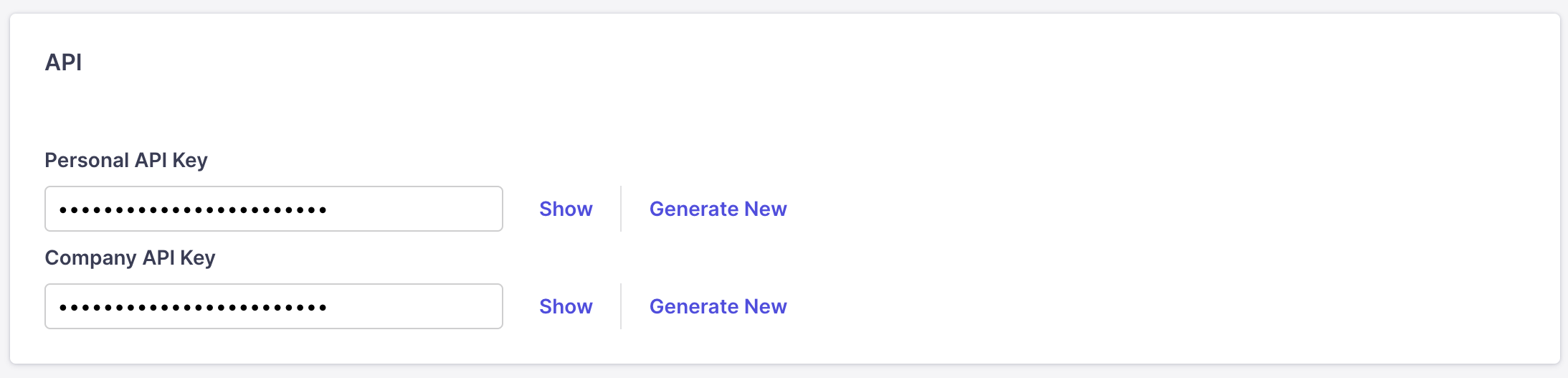
Login to your Klenty account. Go to Settings → Integrations → Klenty API Key
Click on the key icon to generate an API Key
URL Parameter
All API request URLs start with:
https://api.klenty.com/apis/v1/user// In the above HTTP request, the username is a URL parameter. Query ParameterAnything you give after ‘?’ in the URI is called a query parameter. https://api.klenty.com/apis/v1/user/[email protected]/prospects?listName=csvlist1 The above URI has one query parameter, listName. API KeyAll API requests require authentication. You need to provide your key in the HTTP request header via the Key parameter. API Name: x-API-key Data TypesWe use JSON as the primary data type.Content Type - JSON(application/json) Extract data using Klenty's GET APIs Perform Actions using Klenty's POST APIs