
Connecting your CRM with Klenty allows you to view call transcripts in your CRM, enabling you to take further action.
How can I connect the CRM with Call IQ:
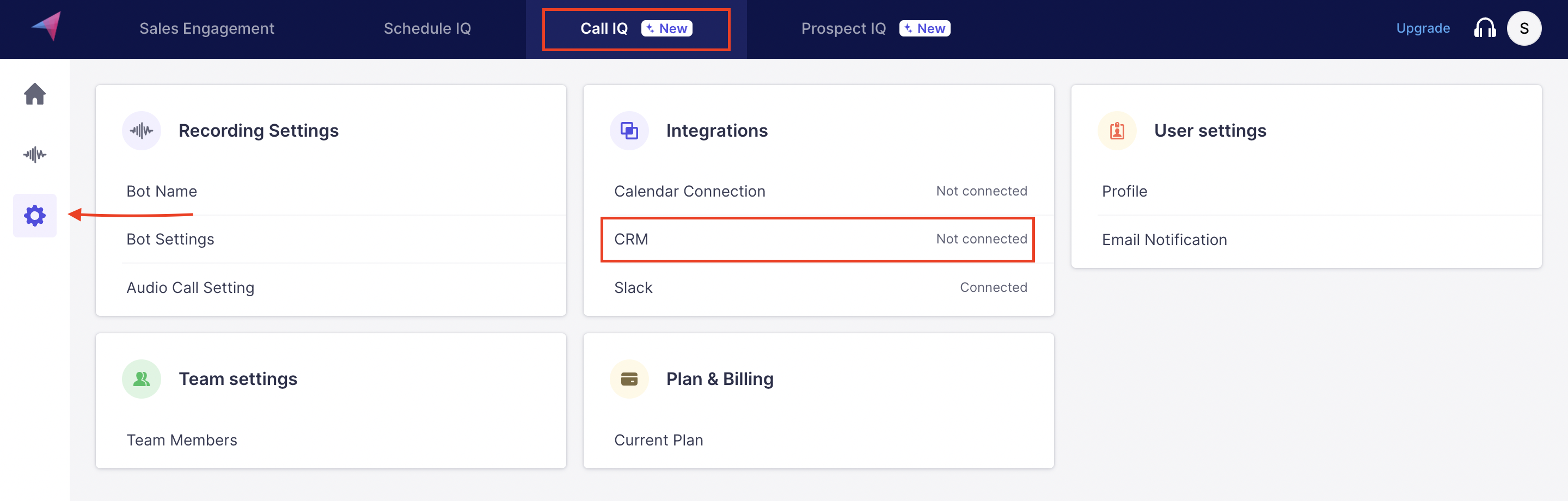
Navigate to Call IQ--> Integrations--> CRM
Please select the Zoho CRM option from the available choices.
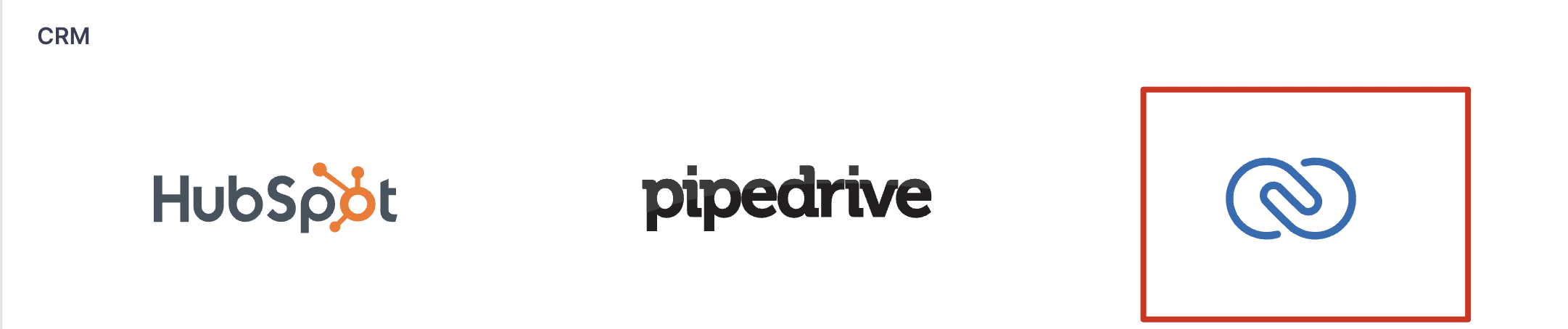
Clicking the option redirects to the Zoho authorization page. Enter login credentials, check the permission box, and click Connect.
To confirm, the connection status is indicated as "Good".

Triggers and Actions:
To ensure that meeting recordings are synced, be sure to activate triggers and actions.

When the checkbox for creating a Lead/contact is enabled it would create the same in the Zoho.
Where do I find the call transcript in Zoho?
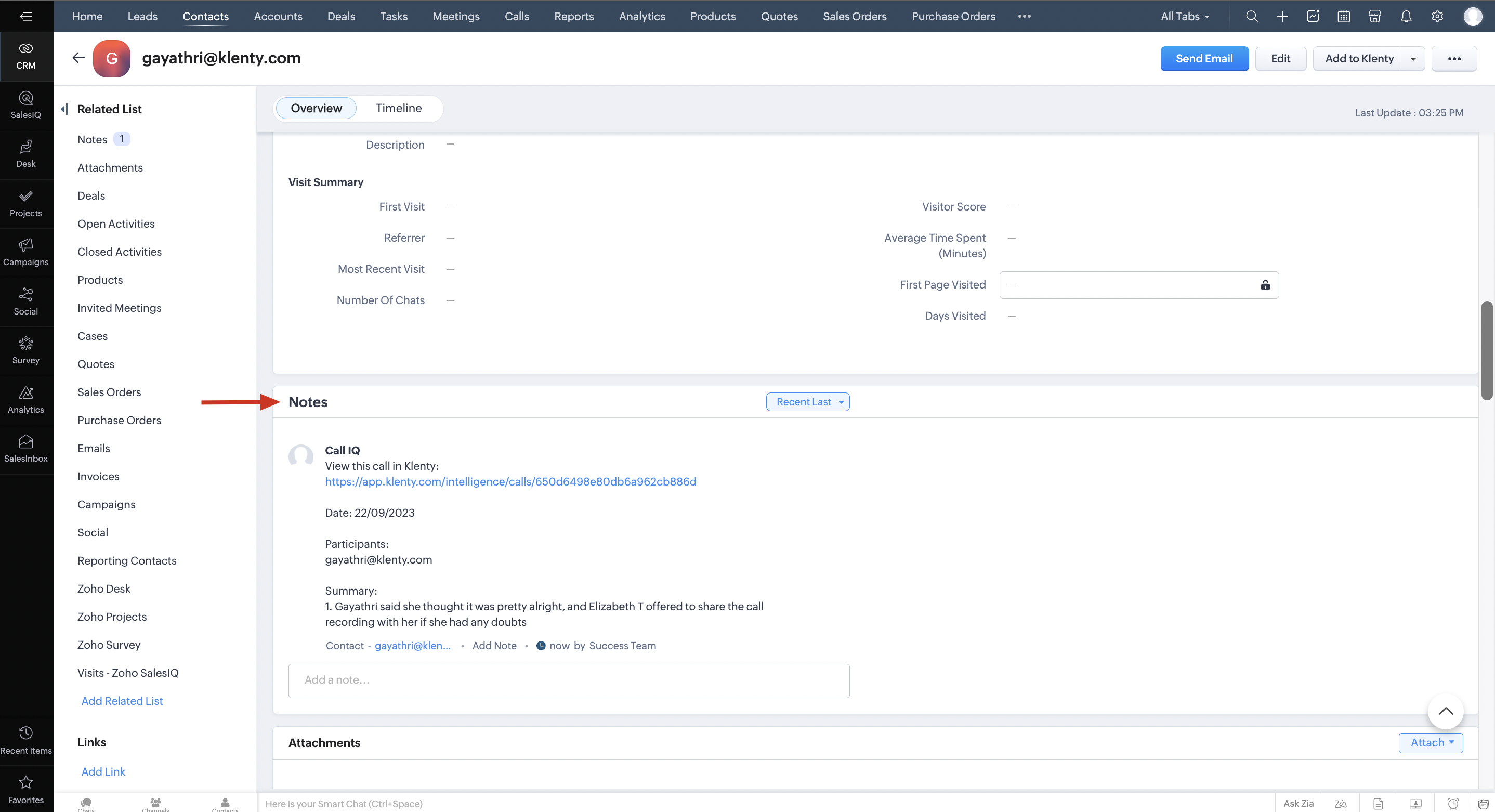
In Zoho, the call transcript is visible under Notes of the Contact as shown below. From where the transcript link can be directed to Call IQ in Klenty.
Explore🔍