
You can make calls from the CRM using Klenty with the help of the Calls on Plugin feature.
How can I activate the Plugin dialler?
To activate the option, Navigate to Main Settings in your Account--> Calls section--> Toggle On the Plugin dialler.

Note: Please ensure the Klenty Plugin is installed and logged in and the Hubspot is connected to your Klenty Account.
In HubSpot, open a Contact or List to find the Klenty icon next to the phone number field. This floating dialler is used to make a one-off call to pull up the dialler.
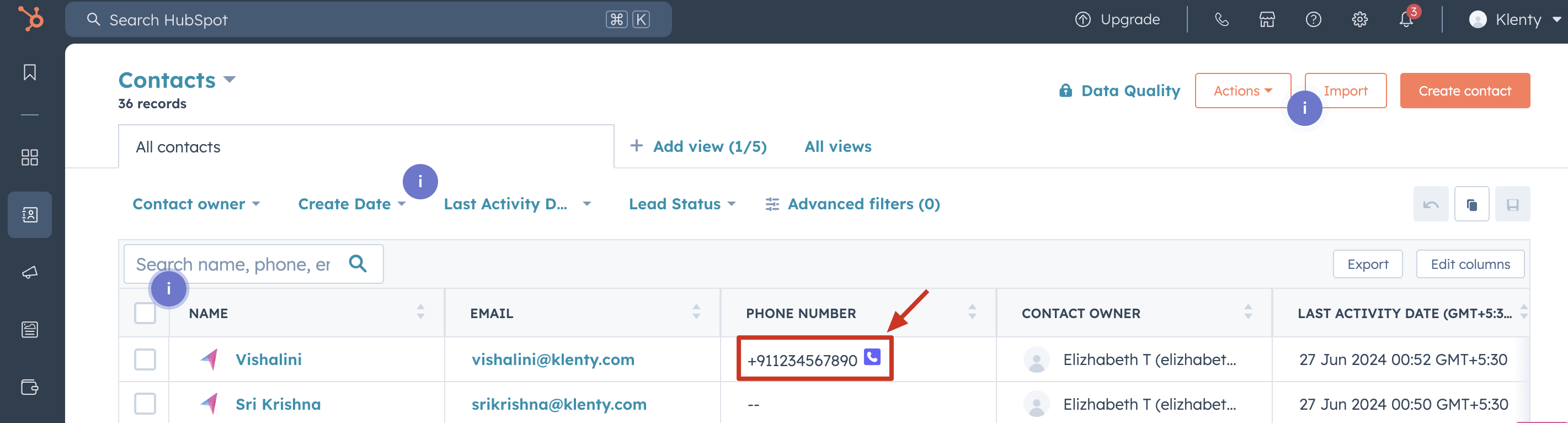
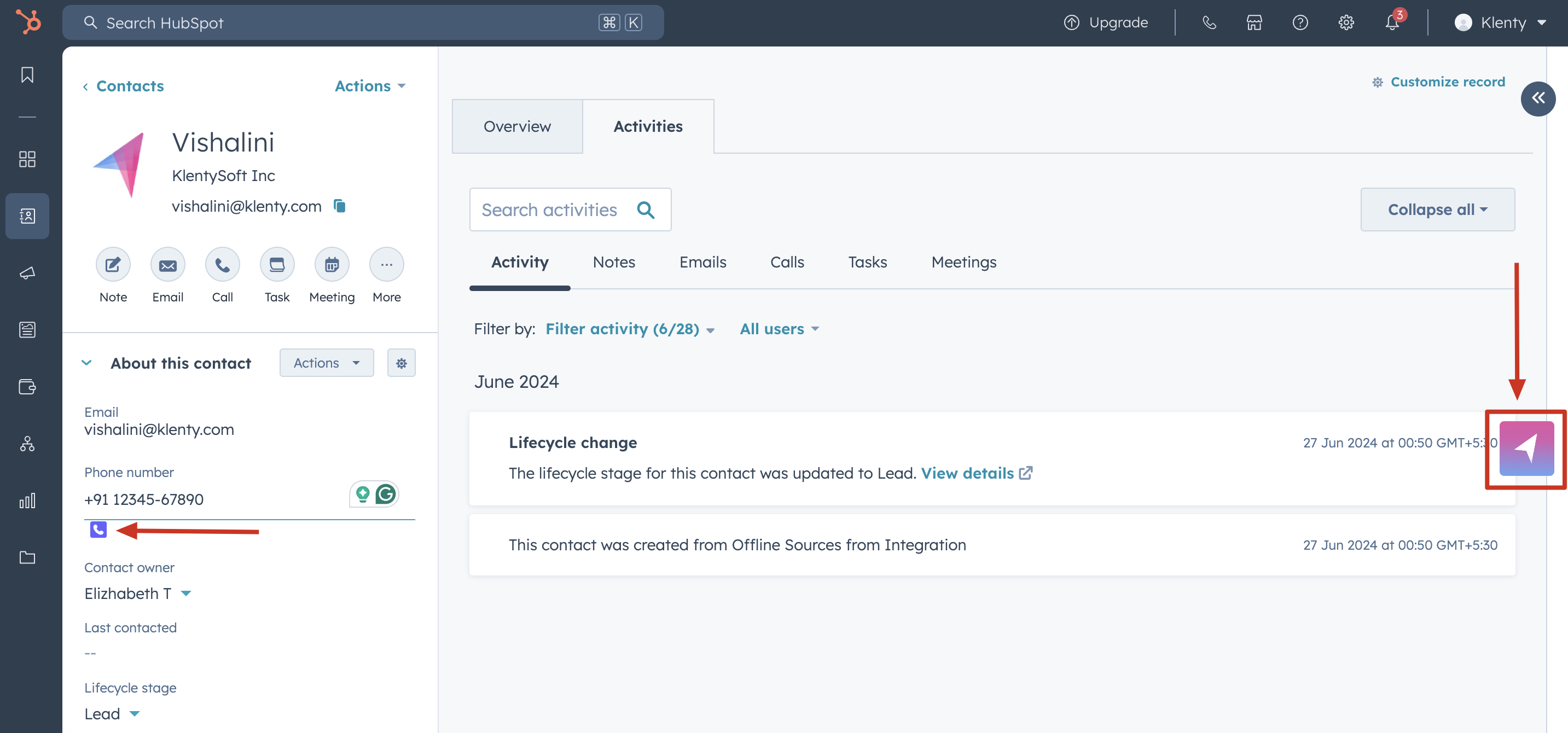
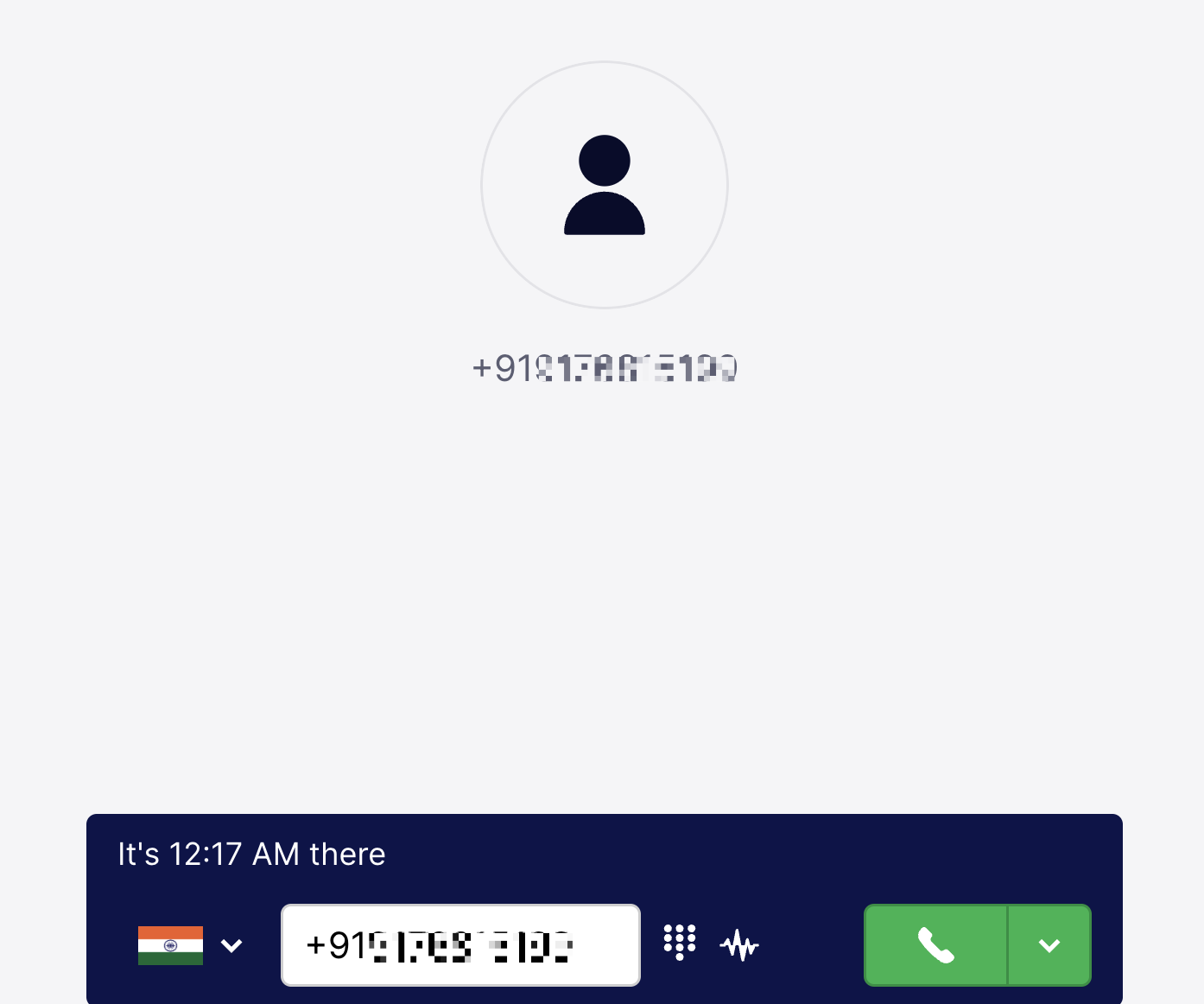
The Call activities are recorded in Klenty under the respective prospect's activity history and One-off calls under the Calls Completed section.
Frequently Asked:
Why am I unable to find the dialler window in Hubspot?
Instead of the dialler opening within the Hubspot window, it might open in a new tab. It would mostly happen in MAC devices. It is observed when the browser is kept in full-screen mode.
Why can't I find the calls made via plugin recorded for the Prospect?
It seems that occasionally, the calls will be saved as one-off calls in Klenty, that might prevent the data from syncing to the correct prospect. This might occur if you have previously connected a different CRM account in Klenty. We recommend reaching out to support to rectify this issue.
More Related Articles: