
Things to consider for using the Call Plugin in Zoho,
To enable this feature, go to the main settings in your account, then navigate to the Calls section and toggle on the Plugin dialer.

2. Make sure the Zoho CRM is connected to the Account.
3. Install and log in to the Chrome Plugin. You can find it in the Chrome Web store here
In the Zoho CRM,
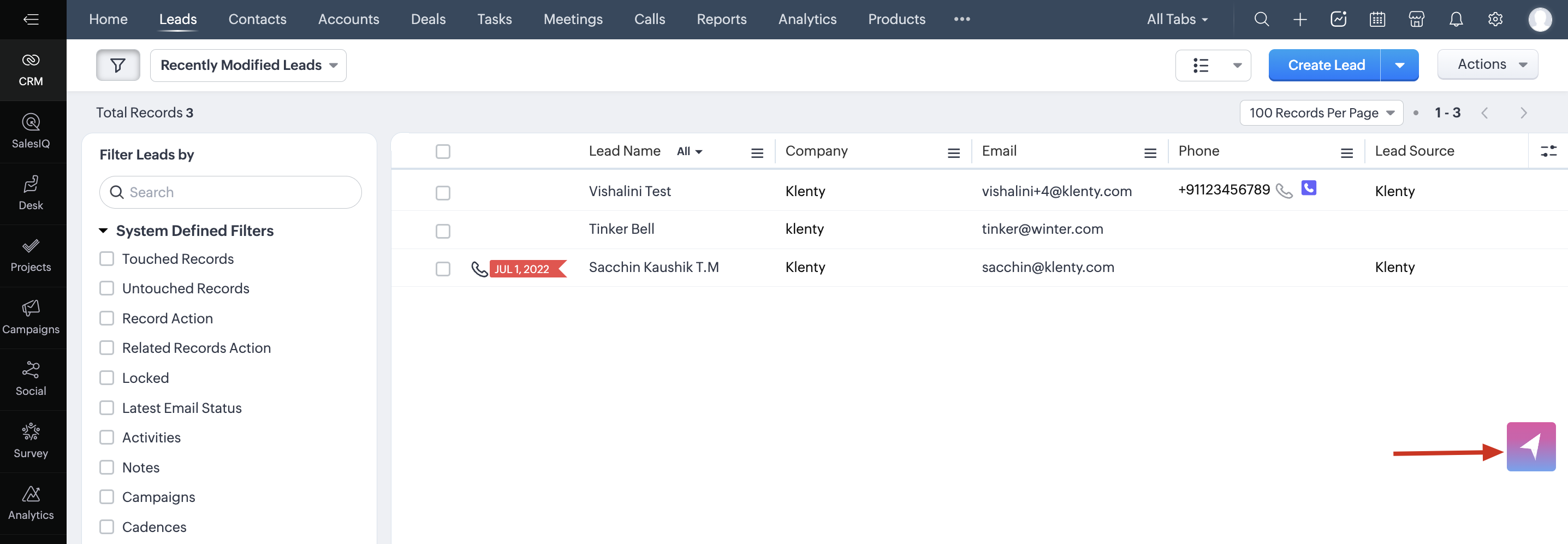
you will spot the Klenty floating icon, open it to access the dialler for making one-off calls.
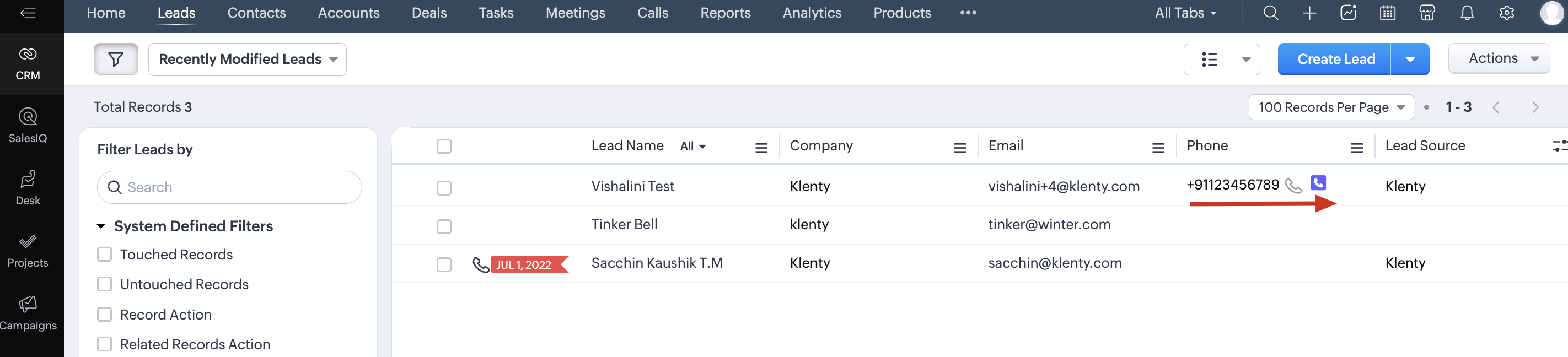
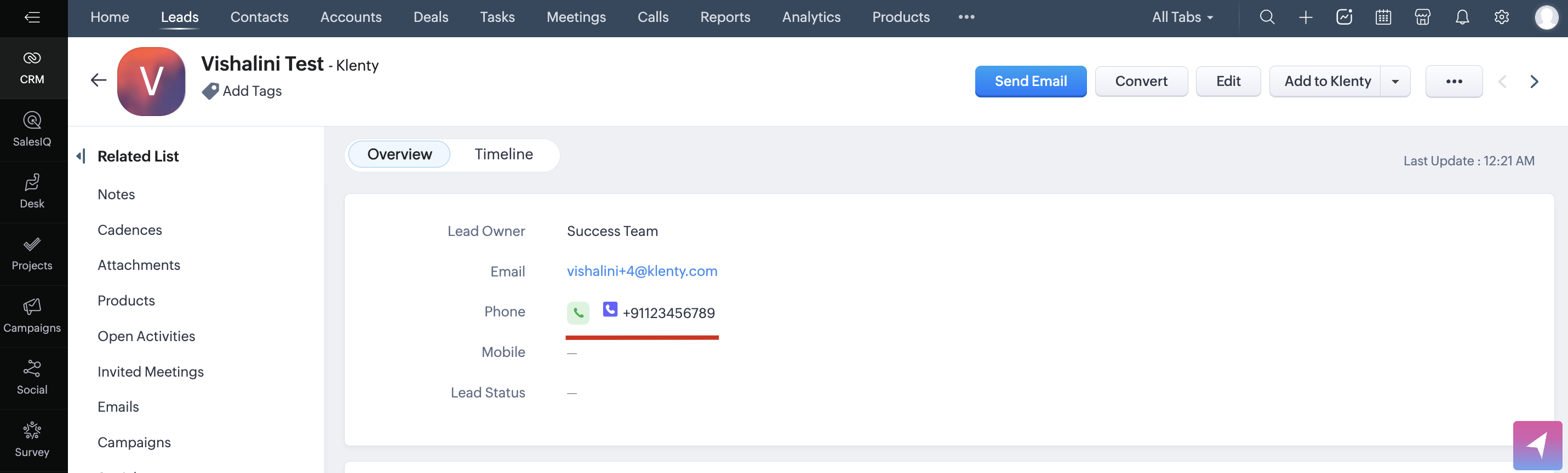
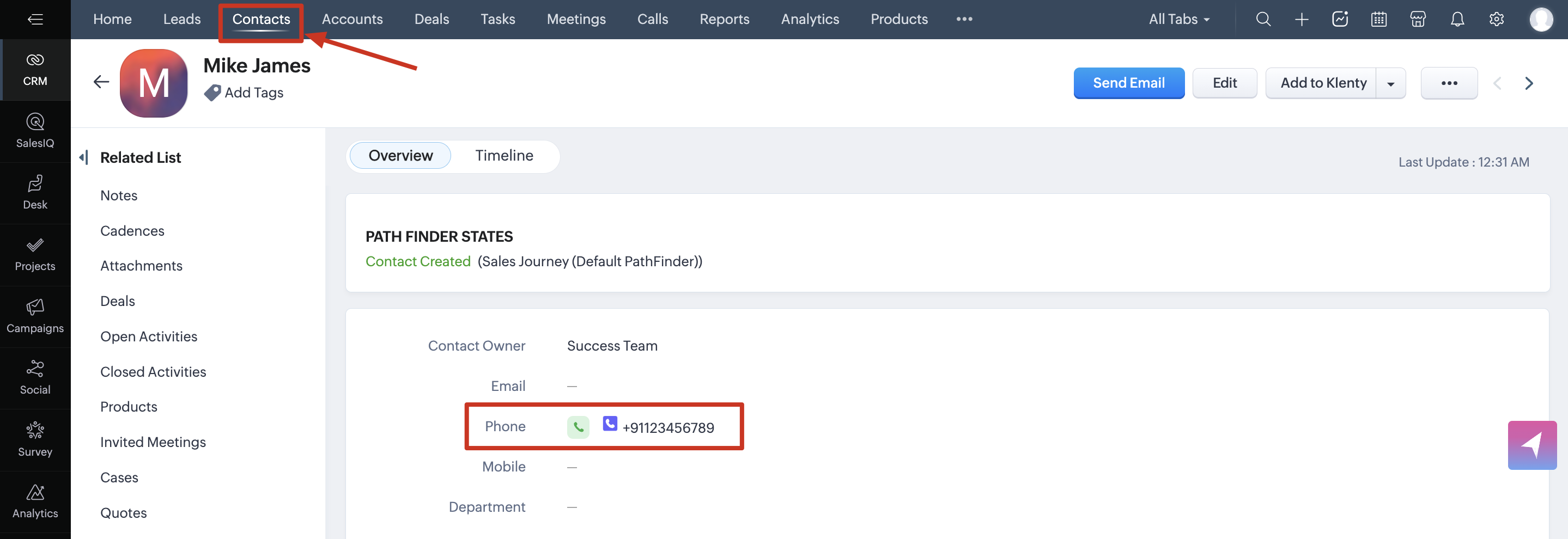
Next to Leads/Contact's phone number, you will find the Klenty icon to make calls as shown below.
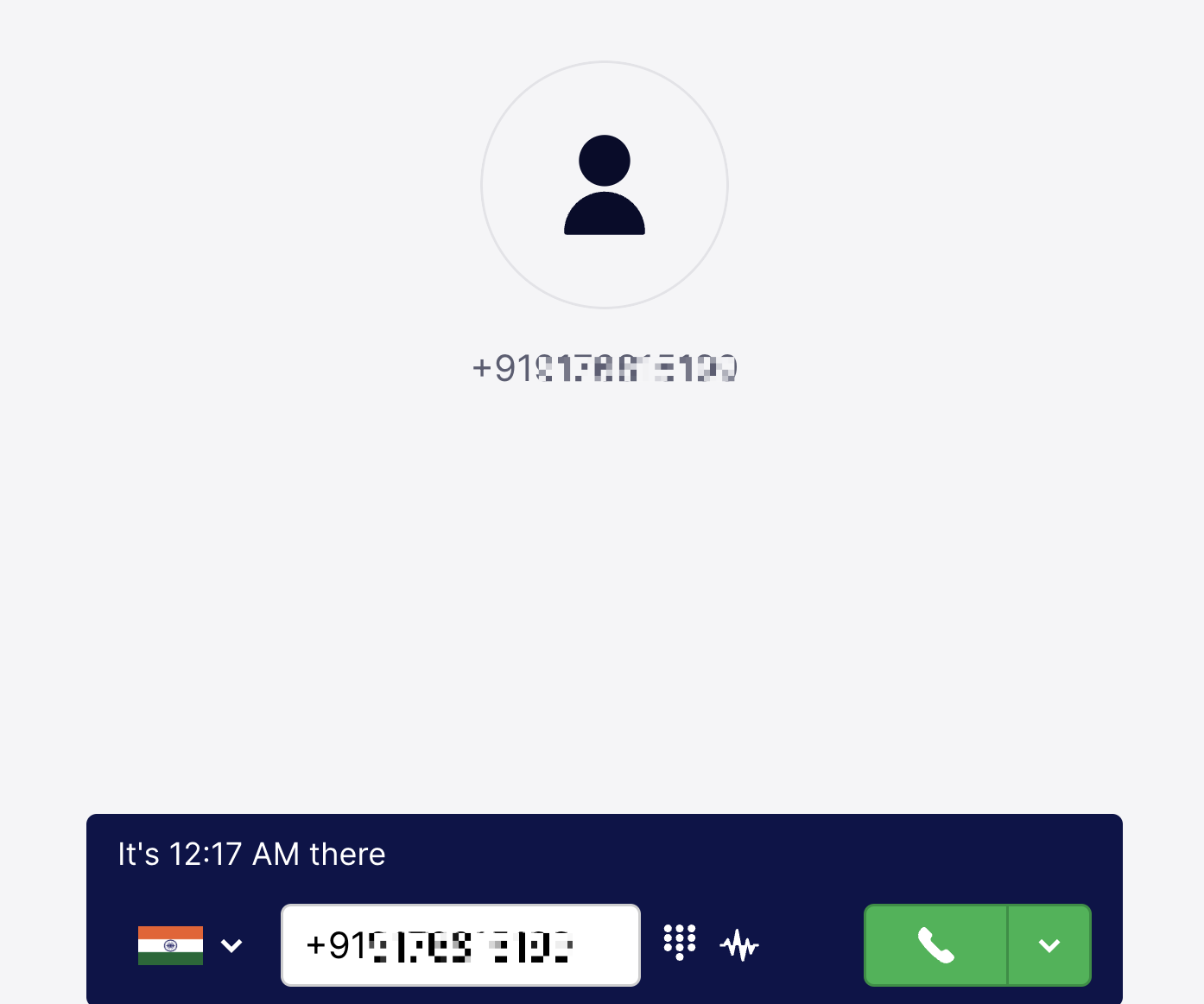
To make one-off calls,
Click on the dialler icon. The Call activities are recorded in Klenty under the respective prospect's activity history and One-off calls under the Calls Completed section.
Frequently Asked:
Why am I unable to find the dialler window in Zoho?
The dialer may open in a new tab instead of within the CRM window, particularly on MAC devices when the browser is in full-screen mode.
Why can't I find the calls made via the plugin recorded for the Prospect?
It appears that sometimes, calls are being saved as individual one-off calls in Klenty, which could prevent the data from syncing to the right prospect. This might happen if you had previously connected a different CRM account in Klenty. We suggest contacting support to fix this issue.
More Related Articles: